CONTENT – How To – Custom Images
Purpose of this SQ How To: This is the how-to guide explaining the process of requesting custom images from the internal design department.
Applicable to: Content Team
Customers: Platinum/Silver
Timescale: 10-15 minutes
Introduction
Custom Images are the banners or imagery which accompany blogs. This how-to guide will explain the process of getting custom imagery completed by the internal SQ Digital design department (called DND).
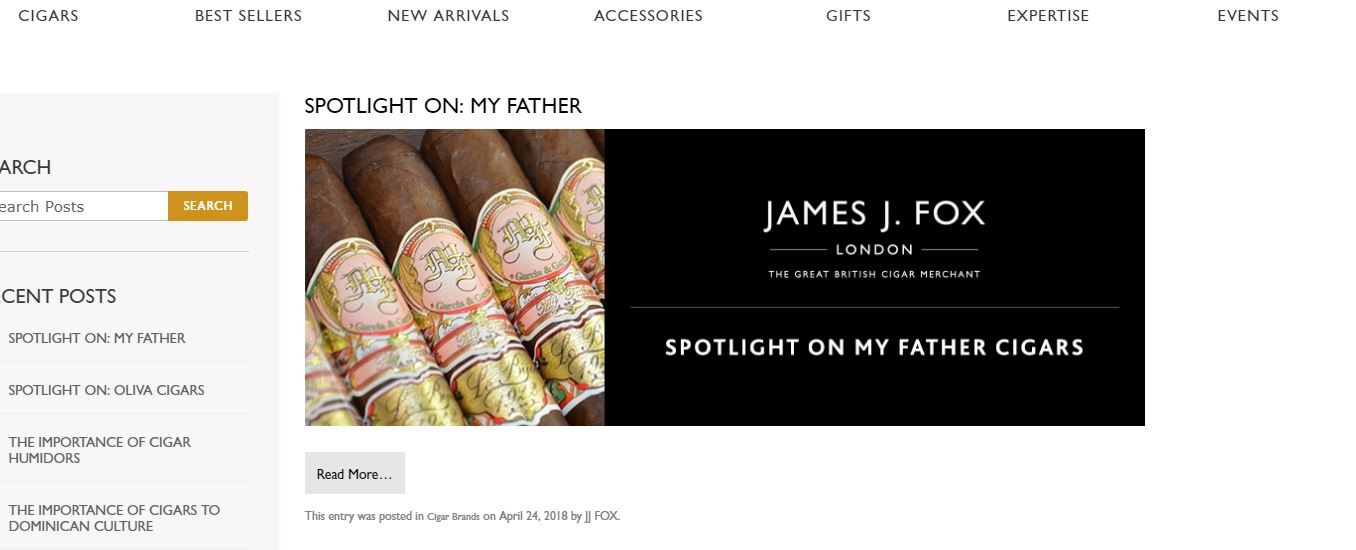
Before you start the task, make sure the titles of the blogs are finalised. (Eg “Monthly brand spotlight” might become “Spotlight on My Father Cigars”).
Accelo Task
There will be a Task in Accelo in the monthly interval for the client titled ‘Custom Images x5” (for example) with a certain allotted time.
This will include time for you to source appropriate images from iStock (or elsewhere if appropriate). This will have been planned in accordingly when the client had been previously planned (by the PM or the content team). This time is also for DND to make the Custom Images. A 1 hour budget might be 15 min for you to finalise titles and gather images from iStock, and 45 min for DND to make the Custom Images.
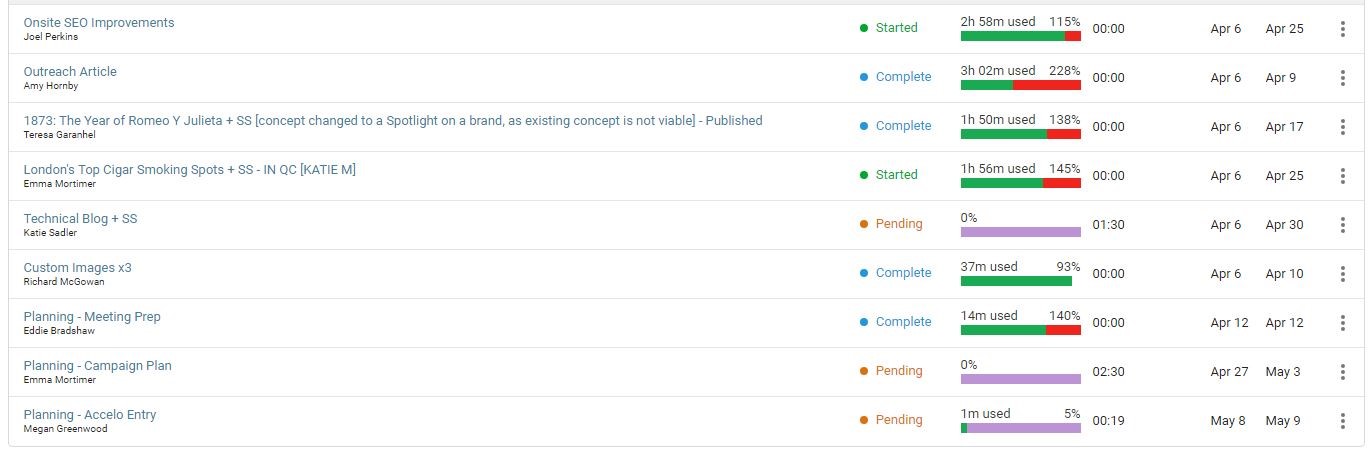
This task will be assigned to a content member first before then being assigned to a member of the DND team to design the images.
Attach images in Accelo Task
Use your allotted time in Accelo under the task ‘Custom Images’ to source the number of images needed. This will most likely be from iStock unless the customer has requested otherwise or provided imagery themselves.
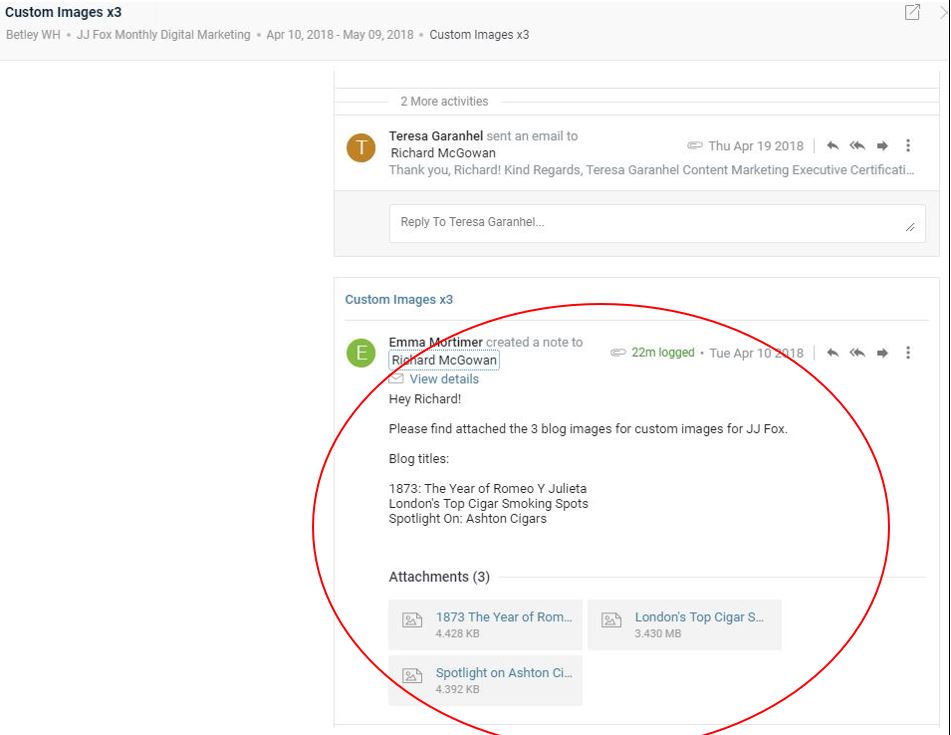
In the task, the images should be attached in a note with the titles of the blog alongside them. This note should be for the attention of the design team (James Brady).
After Accelo and Sourcing Imagery
After you have sourced the imagery, created a note, and used your time, you should then assign the custom image task to the design department.
The design department will then see the titles of the blogs, the images to go with them and carry out their work.
They will then send the completed images back through the same task to you and will have logged their time spent in the same task too.