PROJECT TEAM – How to – Report Nearly Due
Purpose of this How To Guide: To demonstrate how to make a new report for a new interval, run pre-report data on Ninja Cat and completing the ‘Report Nearly Due’ task.
Applicable to: Project Team
Customers: All
Timescale: The Report Nearly Due task is due 4-5 days before the next interval and this is when the new report should be made.
Introduction
Manual report data (such as blog titles and SEO work) is currently collated into a spreadsheet before being moved onto our automated software, NinjaCat. To keep reporting running smoothly we need to ensure that there is always a fresh report ready for the next interval, so the digital marketing team can record all work which is carried out throughout the month.
Report Nearly Due Tasks
Firstly, you will receive a Report Nearly Due task which is due 4-5 days before the new interval is meant to start; it’s a 5-minute task and should take no longer than this.
Here is an example:
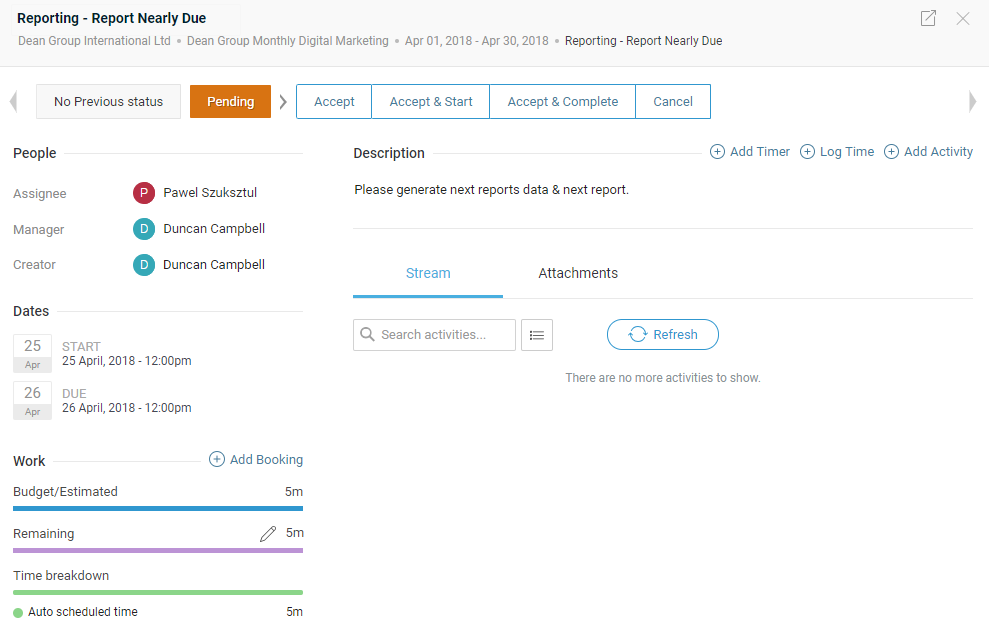
Because this interval ends on April 30th, the report will be due around the start of May and will need an excel document to reflect this next date range (01/05 – 31/05).
Checking the Customer Folder
The first thing you need to do is go to the customer folder which you can find here:

Once you are at this point check the reports which are currently in the folder:
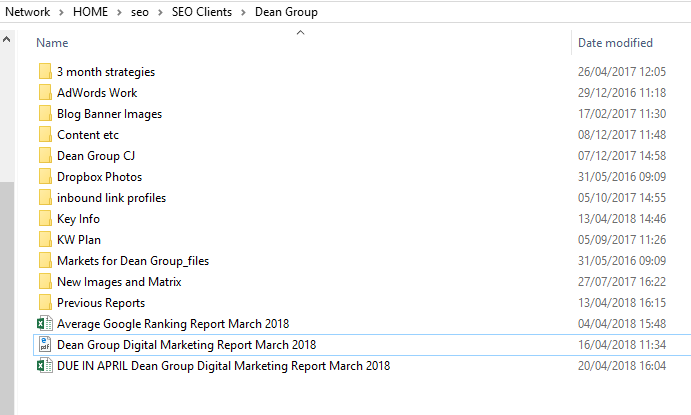
As you can see above there is a report that was due in April but was for the work that was carried out in the month of March.
But because the report nearly due task above is for the month of April, and the report is due in May, we would make a new report named “DUE IN MAY – April 2018”
On a side note, if there are multiple reports in the folder for example ones from January/February that have already been sent, you can move these into the “Previous Reports” folder.
Making the Report
To make the new report, the first step is to make a copy of the previous one so you have two of the same reports:
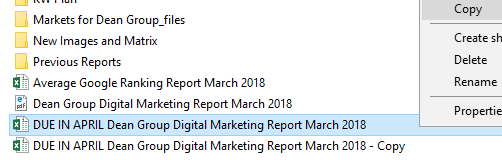
Next step is to rename the file to the next month, so this one will be “DUE IN MAY – April 2018”:

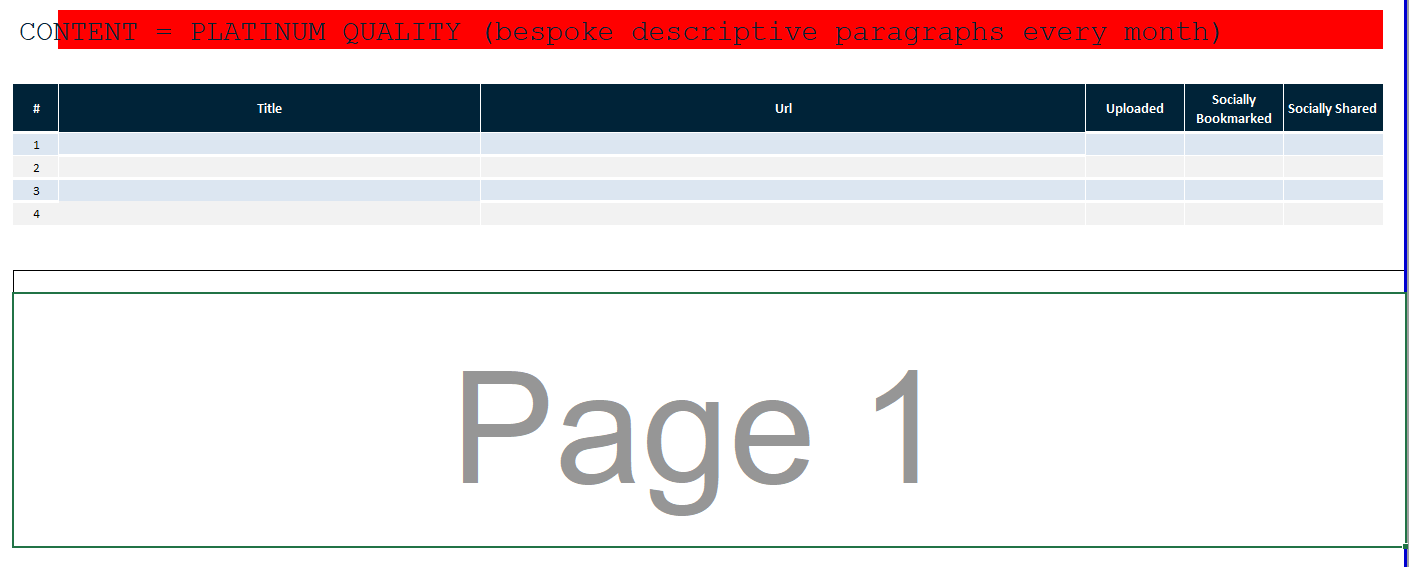
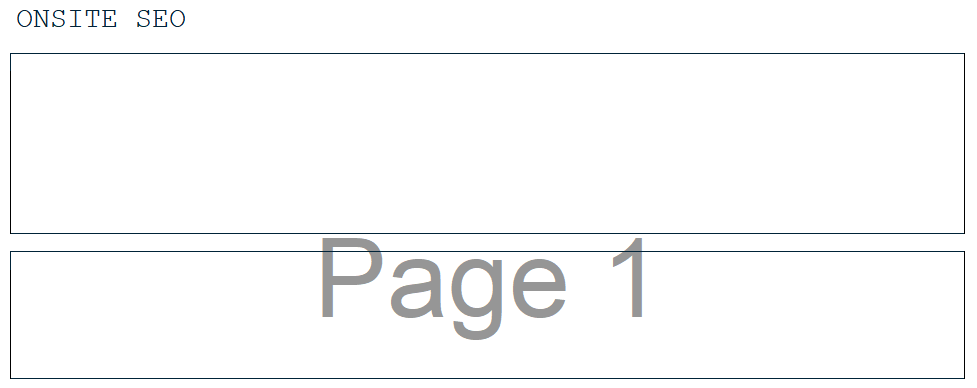
Once the file has its new name you need to go in and get rid of all content that was done in the previous month, make sure to keep all the titles, tables and boxes just delete any text:
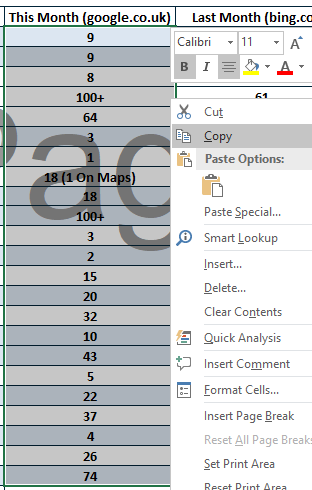
When you get to the position indicators tab, you need to make sure that you replace the numbers from this month to last month, this is so that we can update this month’s column with the updated keyword positions at the time of the report (In May in this case):
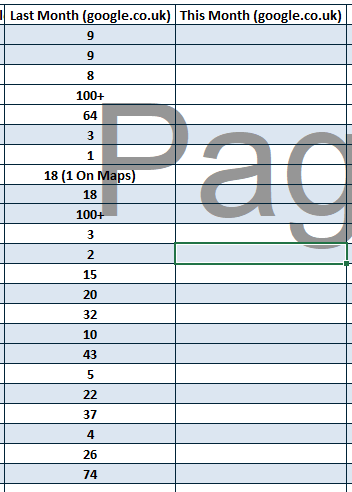
It should then look like this:
Once you have done this, make sure that you save the report.
Then this should be you done with making the new report!
Running Ninja Cat Report to get Pre-Report Data
We need to generate pre-report data for the digital marketing team to analyse and assess before we begin to populate it.
To do this log into ninja cat and go straight to the “reporting” section:
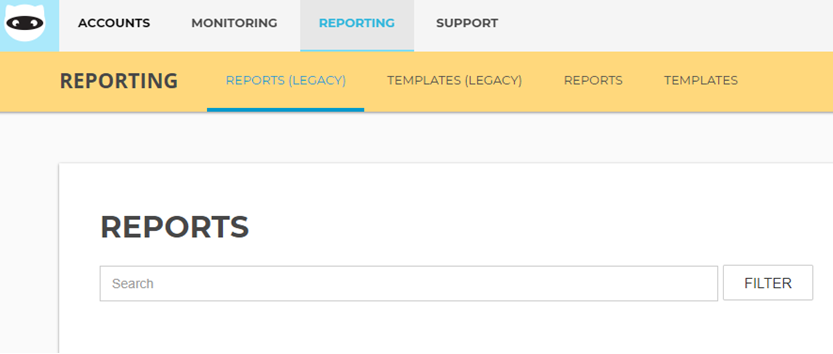
The find the report you wish to run by searching for it in the search bar and click filter:

Once you have the report you require, click action and “run report” this will then show you that the report is running:
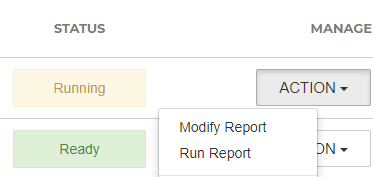
Once the report has been run, it will show as being “ready” in green (as shown above).
You can then go into the report by clicking the “add notes” button and see whether the correct data has been pulled by checking the date ranges:

Once this has been done you can then complete the report nearly due task by clicking on “accept and complete”.

This should now be you all done!!